
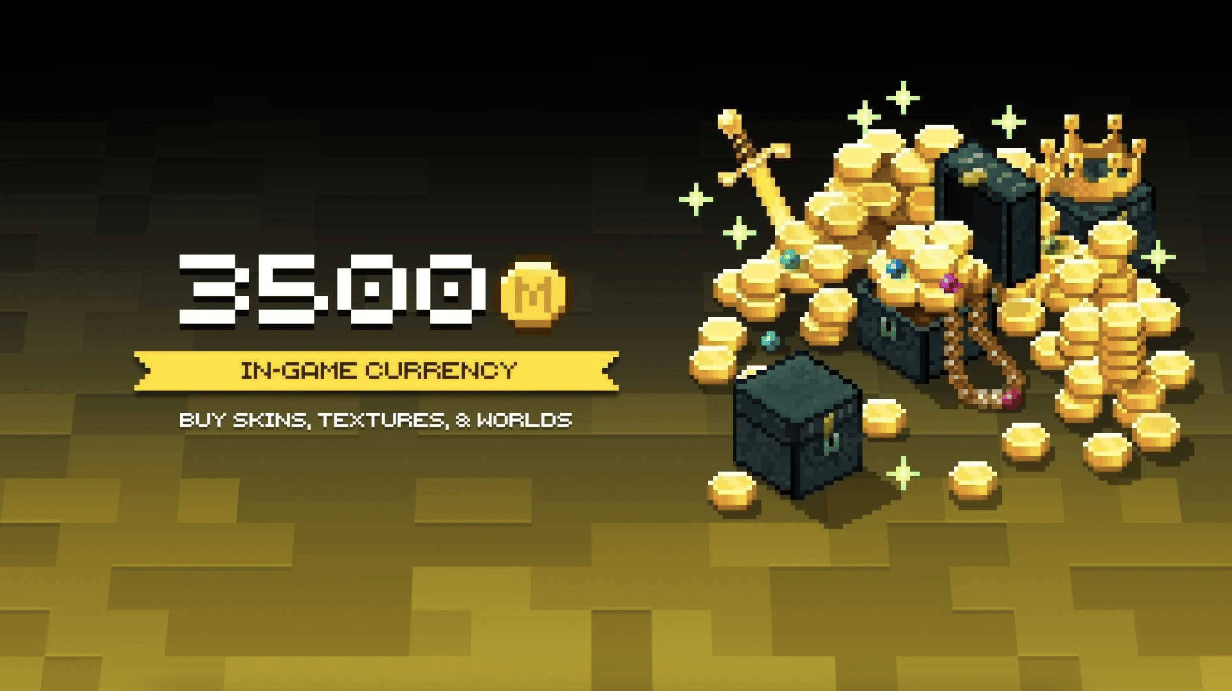
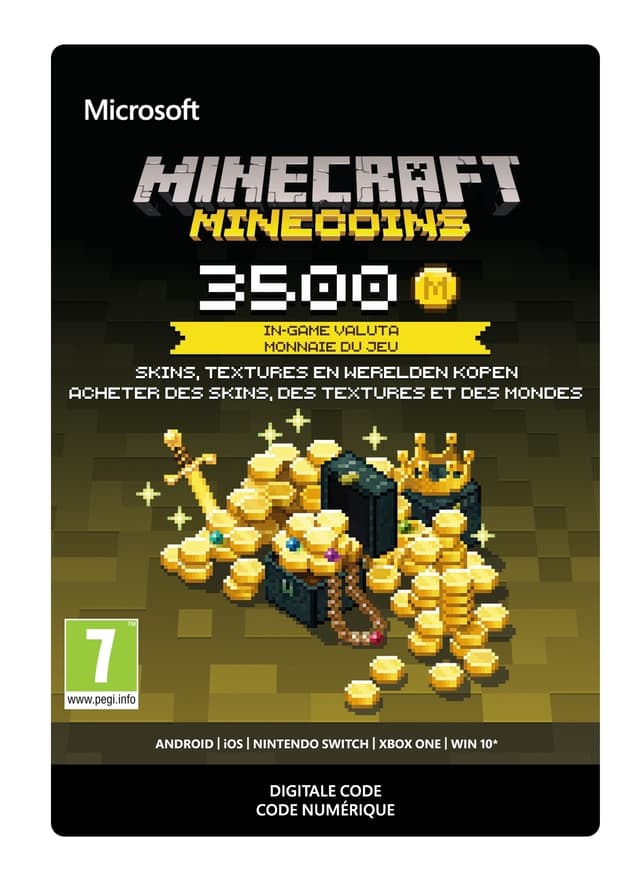
Minecraft: Minecoins Pack: 3500 Coins
Release date: 5 Mar 2020
Item 1 of 1
Not available in your country
Doesn't activate in United States
Coins require a Minecraft version with the Minecraft marketplace. There may be platform exceptions. Visit minecraft.net/minecoins for more information.
Use coins to buy skins, texture packs, maps, and other fun content created by creators from the Minecraft community! Discover new ways to play by entering the in-game Minecraft Marketplace, where you'll find a constantly updated library of exciting new Minecraft content created by a community that sets no limits to imagination! Once you've redeemed your coins, they'll be linked to your Microsoft account so you can ac...
Platform:


Age Limit:+10
Publisher:
Developer:Mojang Studios
Release Date:5 Mar 2020
Frequently Asked Questions
Yes, all in-game currency and points top-ups are sourced directly from official publishers and distributors, delivered through an SSL-encrypted checkout with full buyer protection. The store holds a 4.4/5 "Excellent" Trustpilot rating from over 2,000 reviews.
Copy the code from your ALLYOUPLAY orders page, open the matching game or platform wallet, and select "Redeem Code" or "Top Up Balance." The currency is added to your account instantly.
ALLYOUPLAY sells in-game currencies and points for popular titles and platforms, including battle royale games, MMOs, and mobile games, with each product page confirming the exact currency and amount.
Most in-game currency codes are tied to a specific country or account region. Every product page shows an activation badge. Use "Check country restrictions" to confirm it works in your country before you buy.
Delivery is instant, with your code assigned to your order the moment payment is confirmed. Redeem it directly from your ALLYOUPLAY account and start spending it right away, 24/7.
Bulk-purchasing directly from publishers and distributors secures official wholesale rates, and those savings are passed straight to players instead of inflated in-game store prices.
If your key or code doesn't activate, contact support on Discord or at [email protected] with your order ID and an error screenshot. The team will troubleshoot and arrange a replacement or refund for verified faulty codes.