
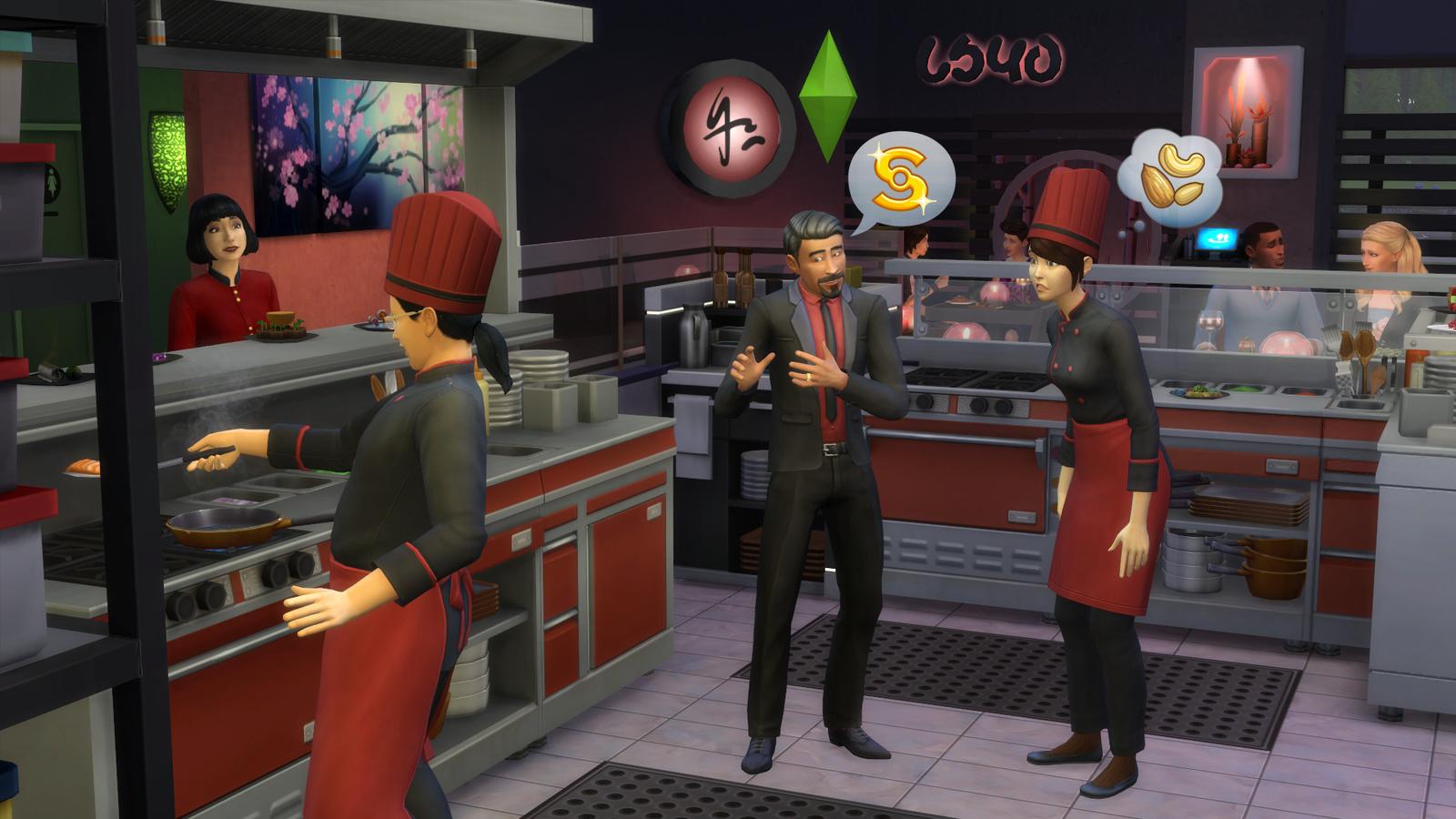
The Sims 4: Dine Out - Xbox One
Veröffentlichungsdatum: 9 Jan 2018


Item 1 of 4




Item 1 of 4
In deinem Land nicht verfügbar
Nicht aktivierbar in Vereinigte Staaten
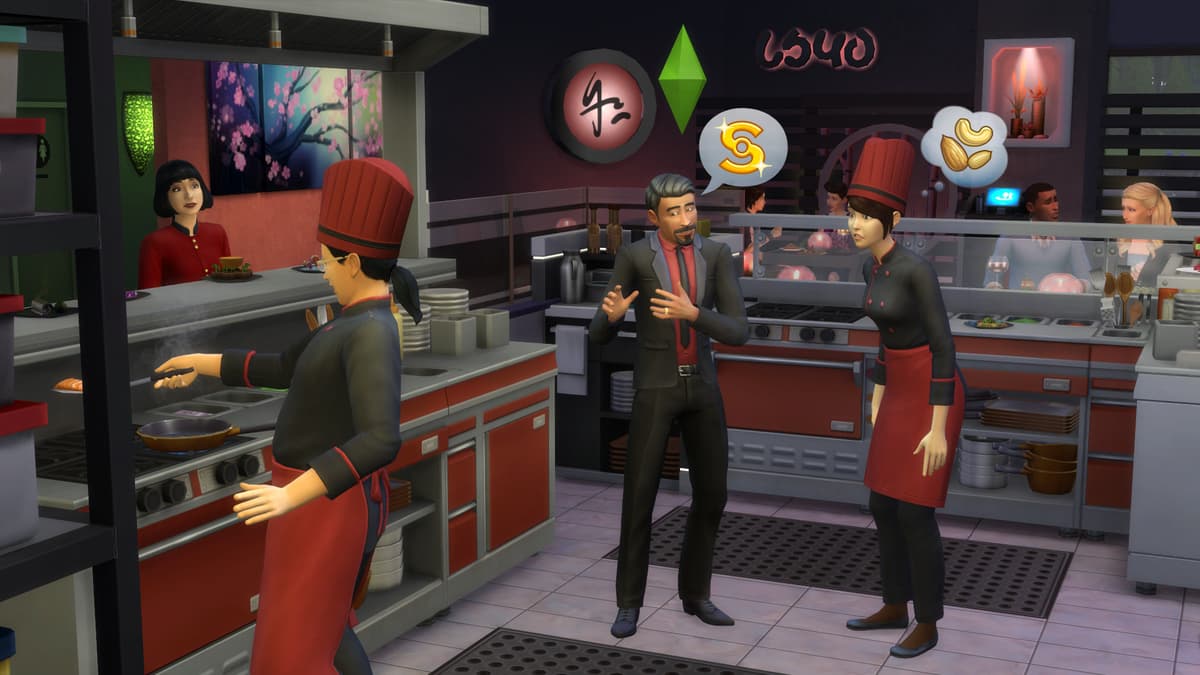
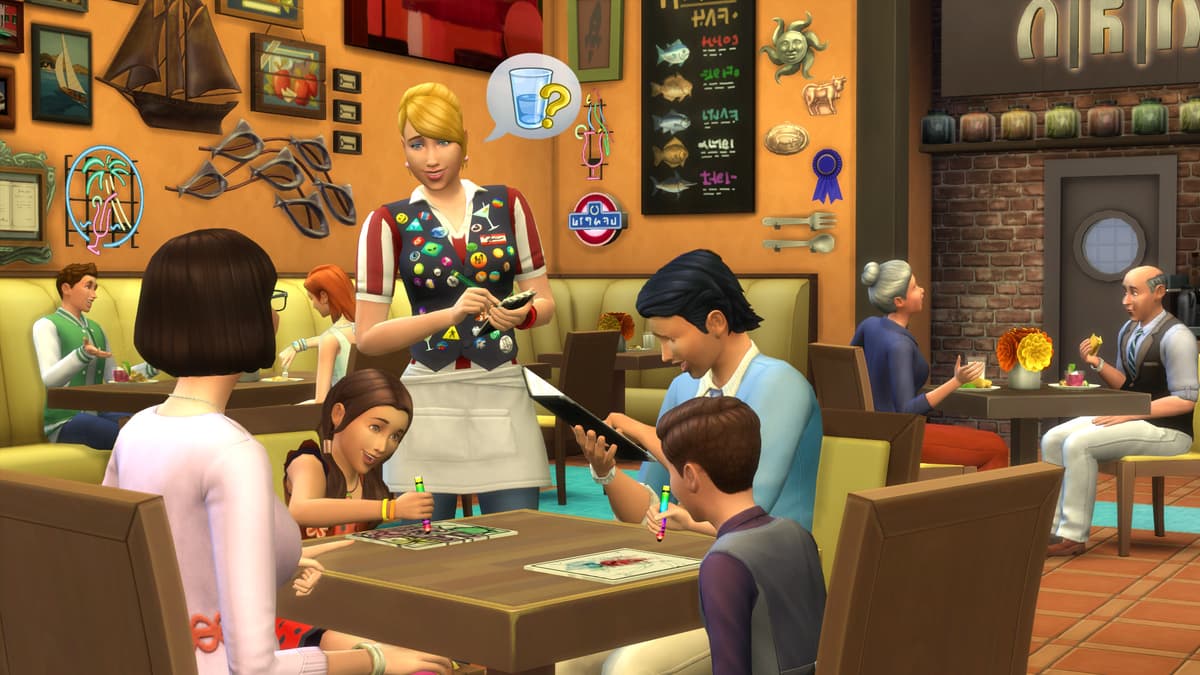
Own a restaurant and take your Sims out to eat with The Sims™ 4 Dine Out*.
CREATE UNIQUE RESTAURANTS
Build a variety of restaurant venues from a classic diner to an upscale Italian bistro, or customize pre-made restaurants using new objects and décor.
BECOME AN OWNER
You are in control of owning and running a restaurant. Hire and outfit staff, set the menu and prices, and chat up diners to improve customer satisfaction.
DINE OUT WITH YOUR SIMS
Restaurants are the perfect place to catch up with frien...
Plattform:
Altersbeschränkung:+12
Publisher:
Entwickler:Maxis & Blind Squirrel
Veröffentlichungsdatum:9 Jan 2018
So löst du The Sims 4: Dine Out - Xbox One auf Xbox ein
- 1Schalte deine Xbox ein und melde dich mit dem Konto an, dem das Spiel hinzugefügt werden soll.
- 2Drücke die Xbox-Taste auf deinem Controller, um den Guide zu öffnen.
- 3Gehe zum Tab "Store".
- 4Wähle "Use a code".
- 5Gib deinen 25-stelligen Aktivierungscode ein.
- 6Wähle "Next" und folge den Anweisungen, um das Spiel deiner Bibliothek hinzuzufügen.
Häufig gestellte Fragen
Die Xbox-Keys von AllYouPlay sind seriös – mit direkter Beschaffung von Publishern und Distributoren, Käuferschutz bei jeder Bestellung und einem SSL-verschlüsselten Checkout. Über 2.000 Trustpilot-Rezensenten bewerten den Shop mit 4,4/5 "Hervorragend".
Löse deinen XBOX-Code ein, indem du den Store auf der Konsole öffnest und "Einlösen" wählst oder microsoft.com/redeem besuchst und den 25-stelligen Code aus deinem ALLYOUPLAY-Konto eingibst. Das Spiel wird deiner Bibliothek sofort hinzugefügt.
Offizielle Anleitungen: Xbox
Ja, die meisten ALLYOUPLAY XBOX-Keys unterstützen sowohl XBOX Series X|S als auch XBOX One, und viele Titel lassen sich dank XBOX Play Anywhere auch auf dem Windows-PC spielen. Die genaue Konsolen-Kompatibilität steht auf jeder Produktseite.
Ja, XBOX-Codes sind an ein bestimmtes Land gebunden. Jede Produktseite zeigt ein Aktivierungs-Badge. Nutze "Länderbeschränkungen prüfen", um vor dem Kauf sicherzugehen, dass es in deinem Land funktioniert. Die Nutzung eines VPN kann dies stören und zu Aktivierungsproblemen führen.
Nein, ein XBOX Game-Key schaltet einen Titel dauerhaft auf deinem Konto frei, während XBOX Game Pass ein Abonnement ist, das wechselnden Zugriff auf eine Spielebibliothek gewährt. ALLYOUPLAY verkauft sowohl einzelne Keys als auch Game Pass-Mitgliedschaften.
Die Lieferung digitaler Xbox-Codes erfolgt sofort – dein Code wird deiner Bestellung zugewiesen, sobald die Zahlung bestätigt ist. Löse ihn direkt über dein ALLYOUPLAY-Konto ein und lade dein Spiel sofort herunter, 24/7.
XBOX-Spiele bleiben bei ALLYOUPLAY günstiger dank direkter Key-Partnerschaften mit Publishern und Anbietern, die offizielle Großhandelskonditionen sichern. Diese Ersparnis geht direkt an die Spieler statt in überhöhte Handelsaufschläge.
Wenn sich dein Key oder Code nicht aktivieren lässt, wende dich über Discord oder an [email protected] und nenne deine Bestellnummer sowie einen Screenshot der Fehlermeldung. Das Team prüft das Problem und veranlasst bei nachweislich fehlerhaften Codes einen Ersatz oder eine Erstattung.