
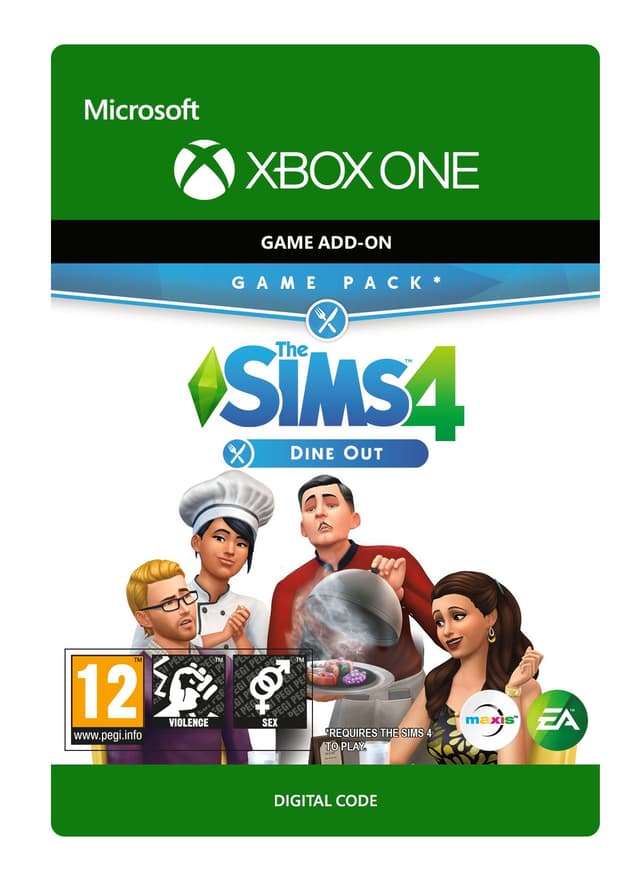
The Sims 4: Dine Out - Xbox One
Date de sortie: 9 Jan 2018


Item 1 of 4




Item 1 of 4
Non disponible dans votre pays
Activation impossible : États-Unis
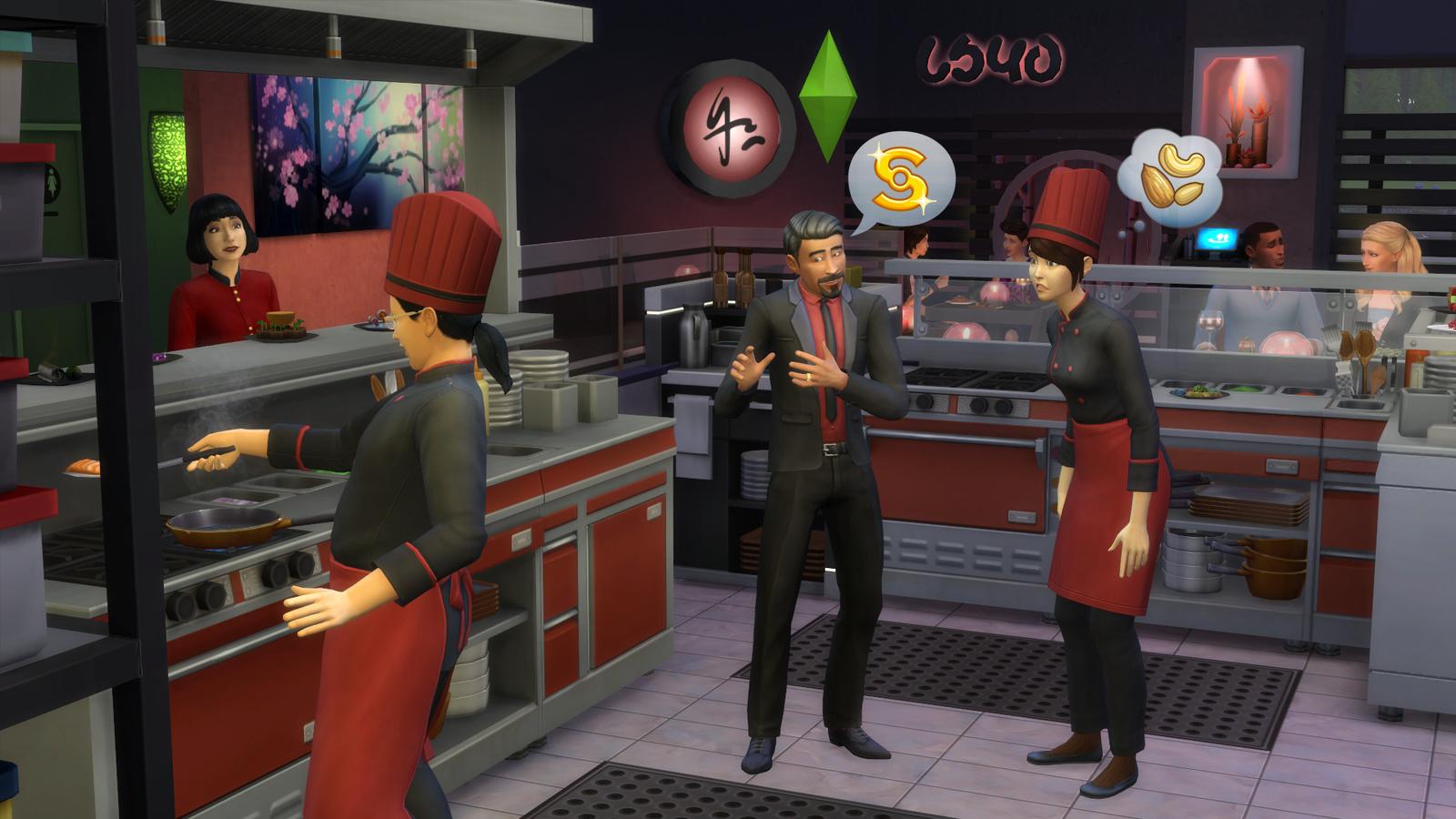
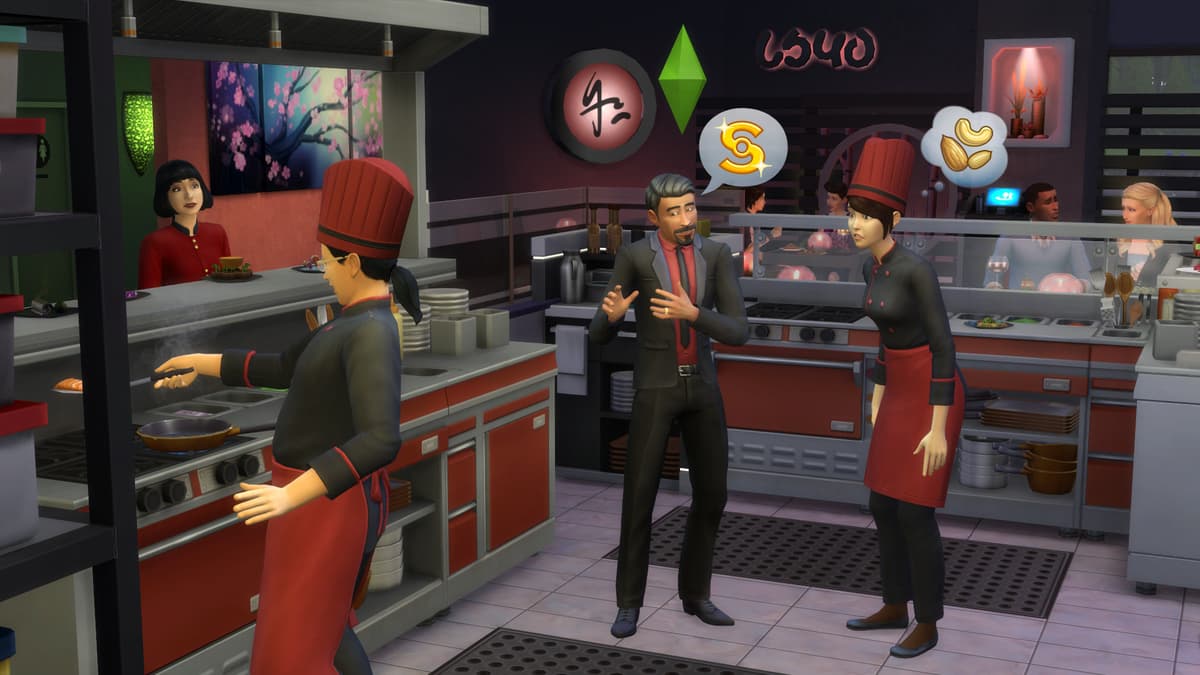
Own a restaurant and take your Sims out to eat with The Sims™ 4 Dine Out*.
CREATE UNIQUE RESTAURANTS
Build a variety of restaurant venues from a classic diner to an upscale Italian bistro, or customize pre-made restaurants using new objects and décor.
BECOME AN OWNER
You are in control of owning and running a restaurant. Hire and outfit staff, set the menu and prices, and chat up diners to improve customer satisfaction.
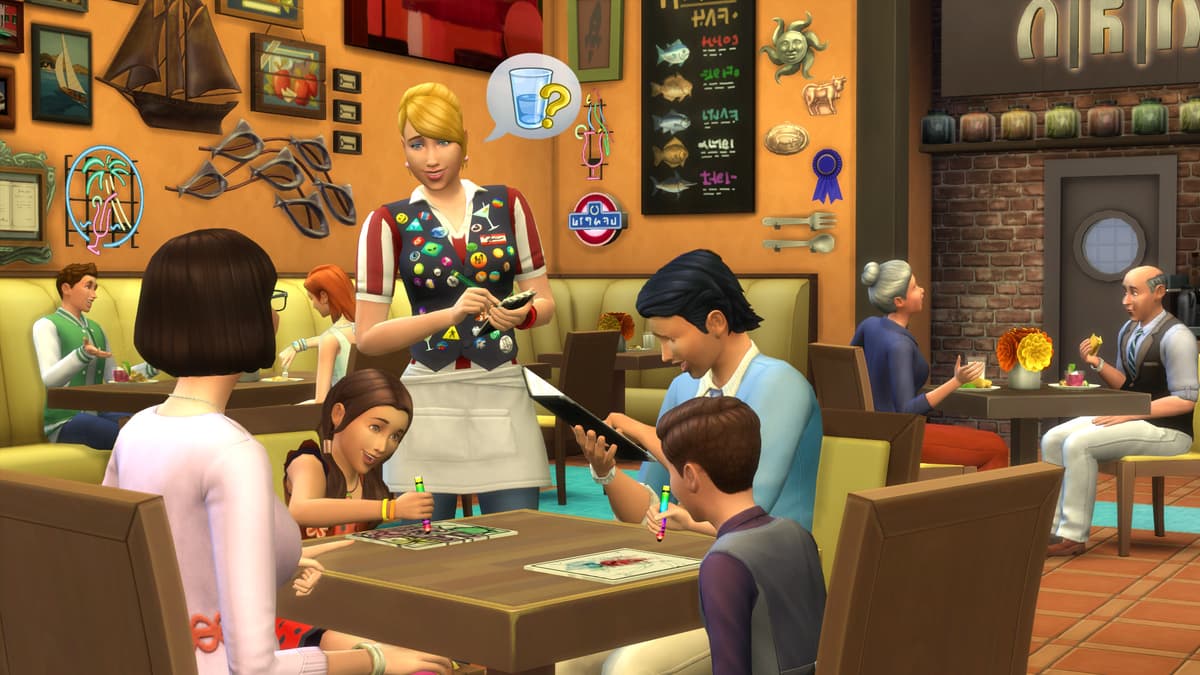
DINE OUT WITH YOUR SIMS
Restaurants are the perfect place to catch up with frien...
Plateforme:
Limite d'âge:+12
Éditeur:
Développeur:Maxis & Blind Squirrel
Date de sortie:9 Jan 2018
Comment activer The Sims 4: Dine Out - Xbox One sur Xbox
- 1Allumez votre Xbox et connectez-vous au compte sur lequel vous voulez le jeu.
- 2Appuyez sur la touche Xbox de votre manette pour ouvrir le guide.
- 3Allez dans l'onglet "Store".
- 4Sélectionnez "Use a code".
- 5Saisissez votre code d'activation de 25 caractères.
- 6Sélectionnez "Next" et suivez les instructions pour ajouter le jeu à votre bibliothèque.
Foire aux questions
Les clés Xbox d'AllYouPlay sont légitimes, soutenues par un approvisionnement direct auprès des éditeurs et distributeurs, une protection de l'acheteur sur chaque commande et un paiement chiffré SSL. Plus de 2 000 avis Trustpilot attribuent à la boutique la note de 4,4/5 « Excellent ».
Pour utiliser ton code XBOX, ouvre le Store de la console et sélectionne « Utiliser un code », ou rends-toi sur microsoft.com/redeem et saisis le code à 25 caractères depuis ton compte ALLYOUPLAY. Le jeu est ajouté instantanément à ta bibliothèque.
Guides officiels: Xbox
Oui, la plupart des clés XBOX d'ALLYOUPLAY sont compatibles à la fois avec les XBOX Series X|S et XBOX One, et de nombreux titres incluent aussi le jeu sur PC Windows via XBOX Play Anywhere. La compatibilité exacte des consoles est indiquée sur chaque page produit.
Oui, les codes XBOX sont liés à un pays précis. Chaque page produit affiche un badge d'activation. Utilise « Vérifier les restrictions par pays » pour t'assurer, avant l'achat, que le produit fonctionne dans ton pays. L'utilisation d'un VPN peut perturber ce système et provoquer des problèmes d'activation.
Non, une clé de jeu XBOX débloque définitivement un titre sur ton compte, tandis que le XBOX Game Pass est un abonnement donnant accès à un catalogue de jeux en rotation. ALLYOUPLAY vend à la fois des clés individuelles et des abonnements Game Pass.
La livraison des codes numériques Xbox est instantanée : ton code est attribué à ta commande dès la confirmation du paiement. Utilise-le directement depuis ton compte ALLYOUPLAY et télécharge ton jeu immédiatement, 24h/24 et 7j/7.
Les jeux XBOX restent moins chers sur ALLYOUPLAY grâce à des partenariats directs avec les éditeurs et fournisseurs, garantissant des tarifs de gros officiels. Ces économies sont reversées directement aux joueurs au lieu de marges de détail gonflées.
Si ta clé ou ton code ne s'active pas, contacte le support sur Discord ou à l'adresse [email protected] avec ton numéro de commande et une capture d'écran de l'erreur. L'équipe analyse le problème et organise un remplacement ou un remboursement pour les codes défectueux vérifiés.