
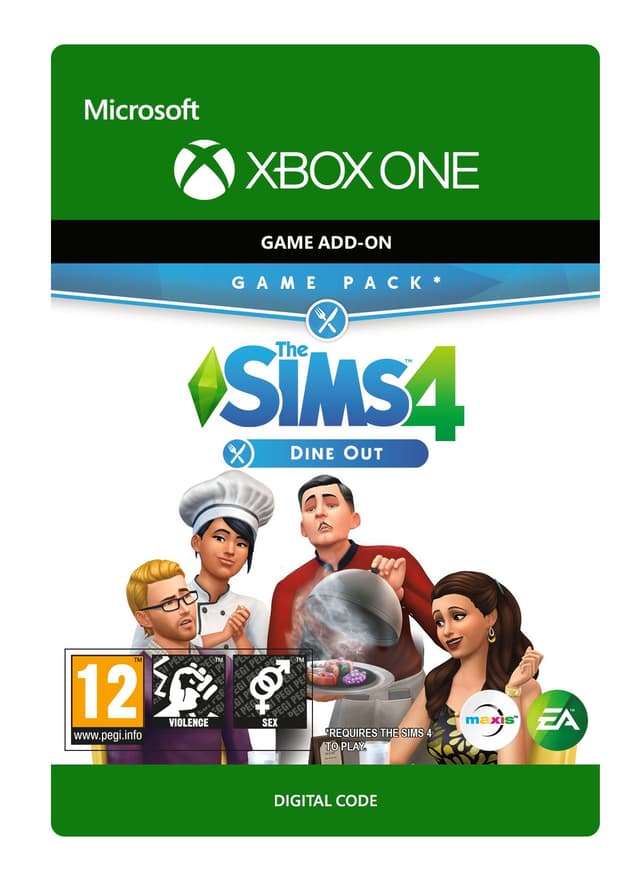
The Sims 4: Dine Out - Xbox One
発売日: 9 Jan 2018


Item 1 of 4



Item 1 of 4
お住まいの国ではご利用いただけません
アメリカ合衆国では有効化できません
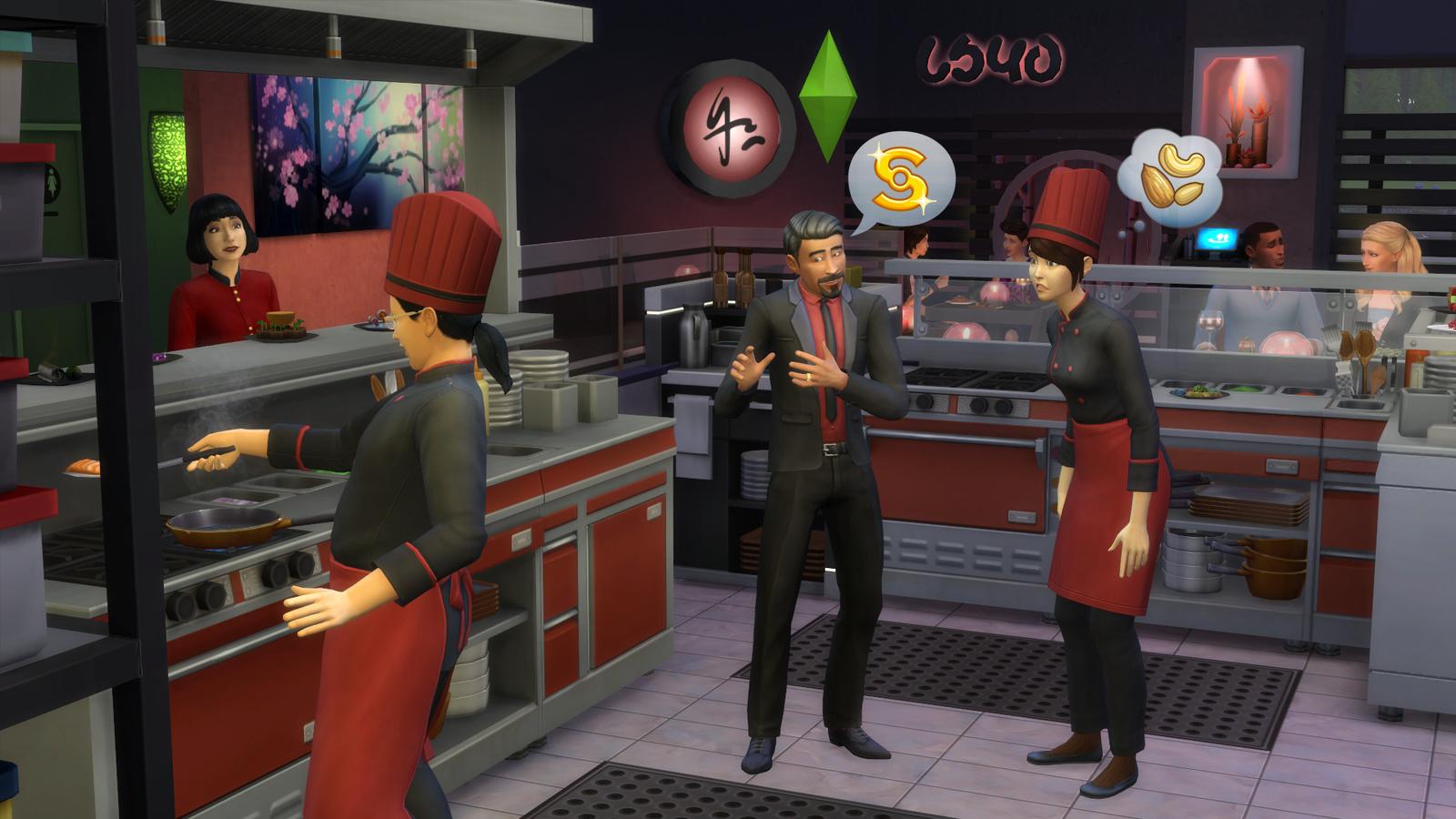
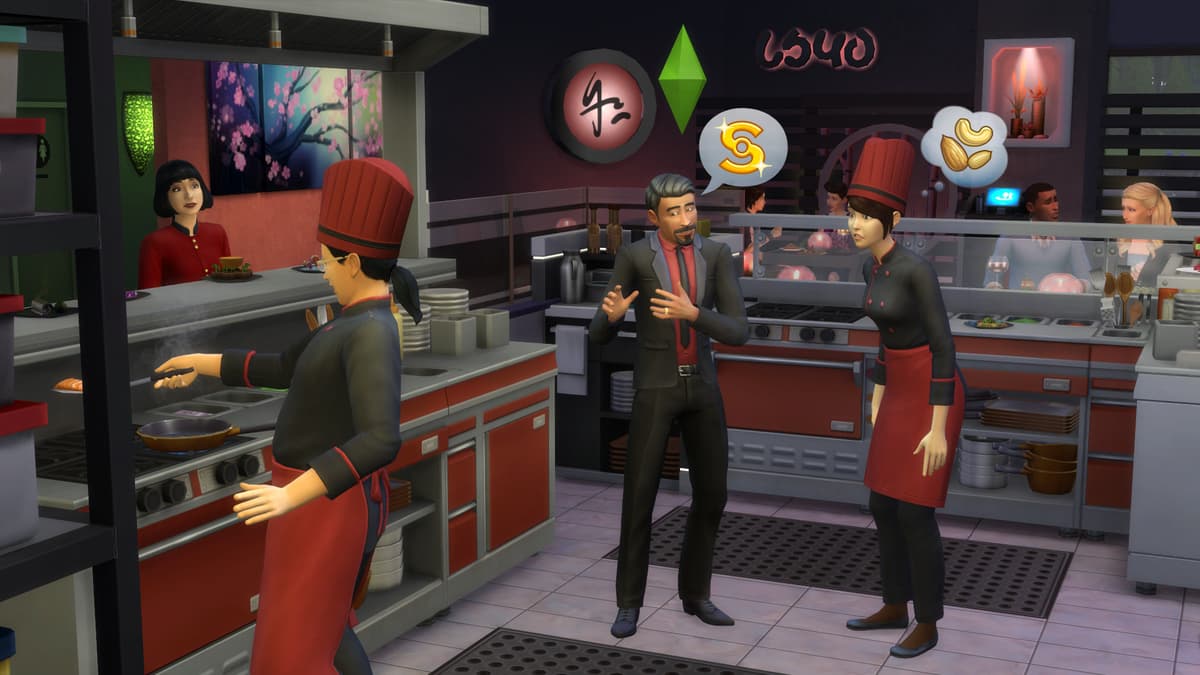
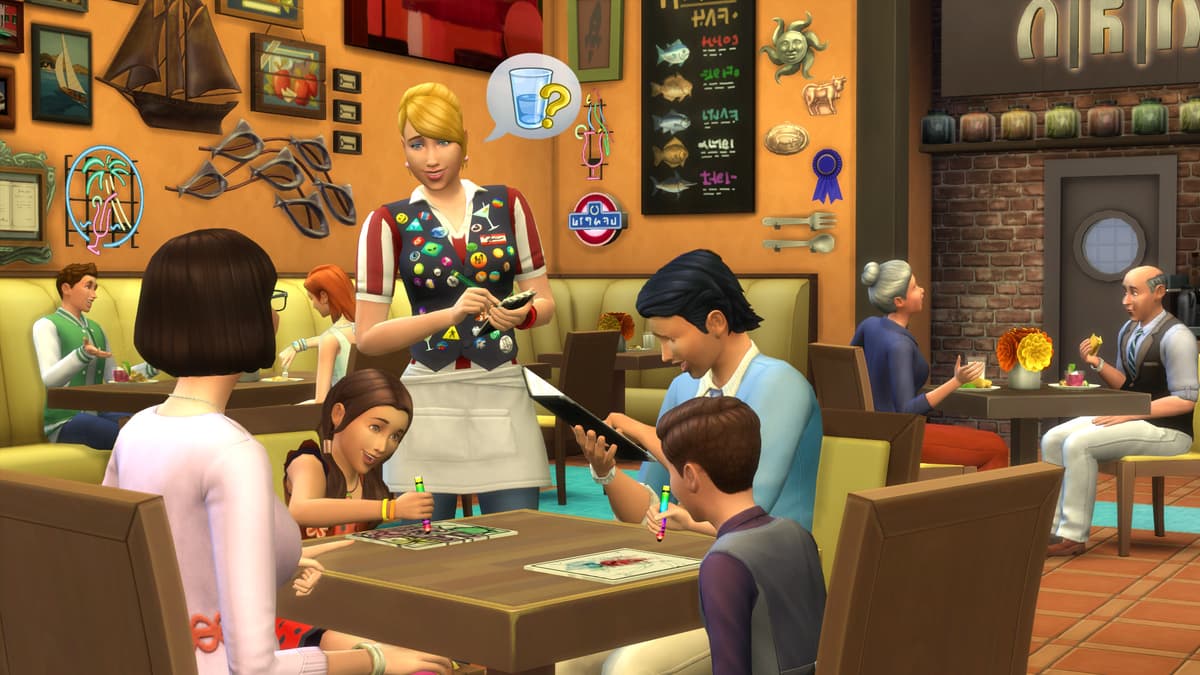
Own a restaurant and take your Sims out to eat with The Sims™ 4 Dine Out*.
CREATE UNIQUE RESTAURANTS
Build a variety of restaurant venues from a classic diner to an upscale Italian bistro, or customize pre-made restaurants using new objects and décor.
BECOME AN OWNER
You are in control of owning and running a restaurant. Hire and outfit staff, set the menu and prices, and chat up diners to improve customer satisfaction.
DINE OUT WITH YOUR SIMS
Restaurants are the perfect place to catch up with frien...
プラットフォーム:
対象年齢:+12
パブリッシャー:
デベロッパー:Maxis & Blind Squirrel
発売日:9 Jan 2018
XboxでThe Sims 4: Dine Out - Xbox Oneを引き換える方法
- 1Xboxの電源を入れ、ゲームを追加したいアカウントにサインインします。
- 2コントローラーのXboxボタンを押してガイドを開きます。
- 3「Store」タブに移動します。
- 4「Use a code」を選択します。
- 525文字のアクティベーションコードを入力します。
- 6「Next」を選択し、画面の指示に従ってゲームをライブラリに追加します。
よくある質問
AllYouPlayのXboxキーは正規品です。パブリッシャーおよびディストリビューターからの直接仕入れ、全注文に付く購入者保護、SSL暗号化された決済に支えられています。Trustpilotでは2,000名を超えるレビュアーが当ストアを4.4/5の「Excellent(優秀)」と評価しています。
XBOXコードの引き換えは、本体のストアを開いて「コードの引き換え」を選択するか、microsoft.com/redeem にアクセスして、ALLYOUPLAYアカウントに記載された25文字のコードを入力します。ゲームはすぐにライブラリへ追加されます。
公式ガイド: Xbox
はい、ALLYOUPLAYのXBOXキーの多くはXBOX Series X|SとXBOX Oneの両方に対応しており、多くのタイトルはXBOX Play AnywhereによるWindows PCでのプレイにも対応しています。正確な対応機種は各商品ページに記載されています。
はい、XBOXコードは特定の国に紐づいています。すべての商品ページに有効化バッジが表示されます。購入前に「国別制限を確認」で、お客様の国でご利用いただけるかをお確かめください。VPNを使用するとこの仕組みが妨げられ、有効化に問題が生じる場合があります。
いいえ。XBOXゲームキーは1つのタイトルをアカウント上で永続的にアンロックするものですが、XBOX Game Passは入れ替わり制のゲームライブラリにアクセスできるサブスクリプションです。ALLYOUPLAYでは個別のキーとGame Passメンバーシップの両方を販売しています。
Xboxデジタルコードの発行は即時で、支払いが確認された瞬間にコードが注文に割り当てられます。ALLYOUPLAYアカウントから直接引き換えて、年中無休ですぐにゲームをダウンロードできます。
ALLYOUPLAYでXBOXゲームが安いのは、パブリッシャーやプロバイダーとの直接的なキーパートナーシップにより、公式の卸売価格を確保しているためです。その節約分は、割高な小売マージンにするのではなく、そのままプレイヤーに還元されます。
キーまたはコードが有効化できない場合は、Discordまたは[email protected]まで、注文IDとエラーのスクリーンショットを添えてサポートへご連絡ください。チームが原因を調査し、不具合が確認されたコードについては交換または返金の手続きを行います。