
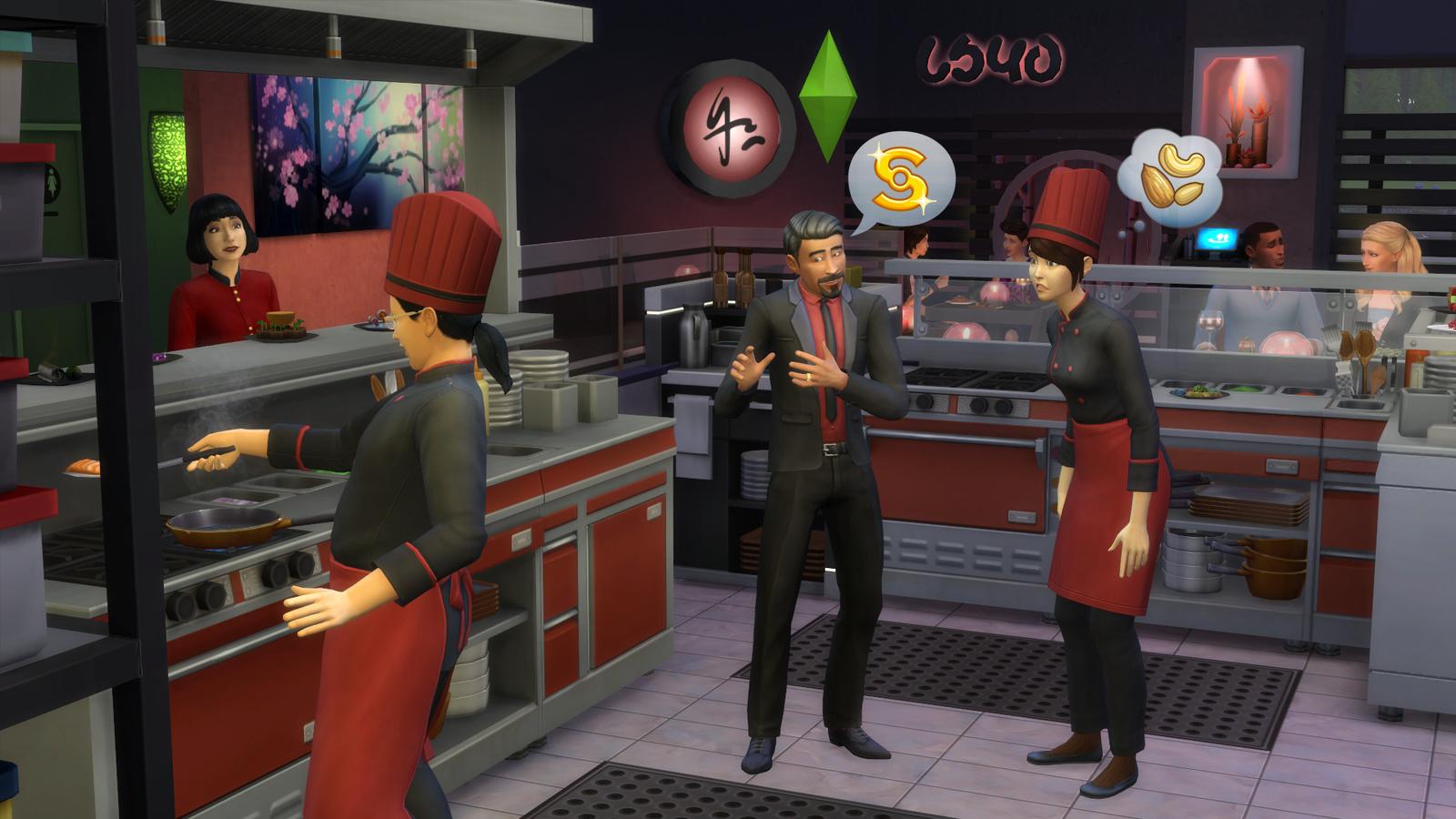
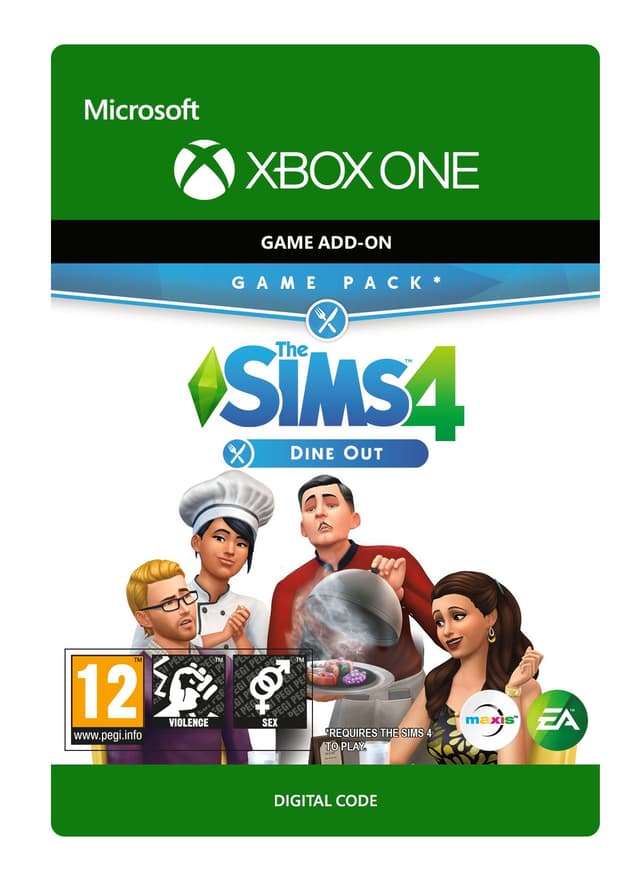
The Sims 4: Dine Out - Xbox One
출시일: 9 Jan 2018


Item 1 of 4



Item 1 of 4
귀하의 국가에서는 이용할 수 없습니다
미국에서 활성화 불가
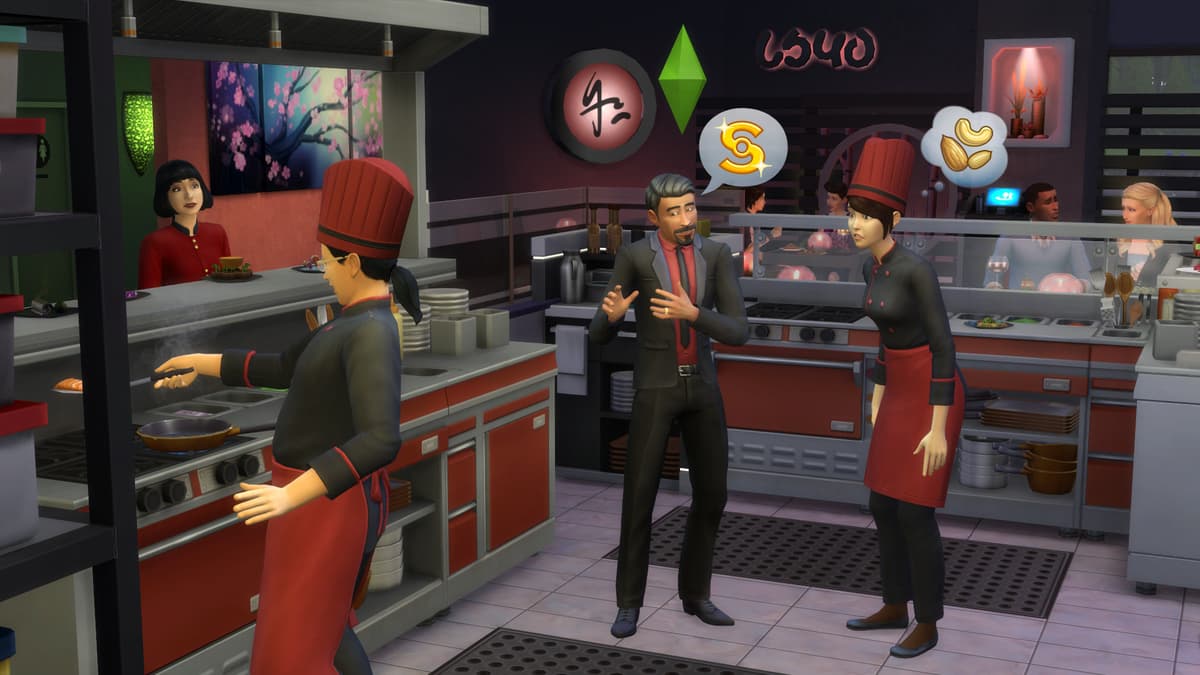
Own a restaurant and take your Sims out to eat with The Sims™ 4 Dine Out*.
CREATE UNIQUE RESTAURANTS
Build a variety of restaurant venues from a classic diner to an upscale Italian bistro, or customize pre-made restaurants using new objects and décor.
BECOME AN OWNER
You are in control of owning and running a restaurant. Hire and outfit staff, set the menu and prices, and chat up diners to improve customer satisfaction.
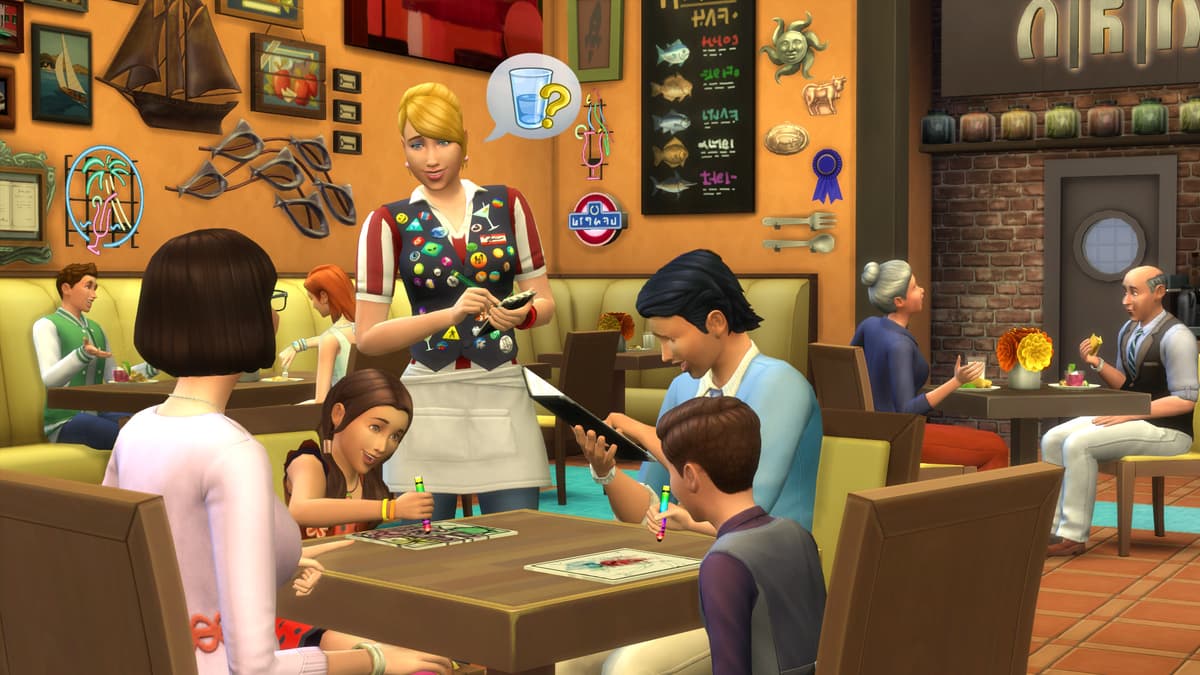
DINE OUT WITH YOUR SIMS
Restaurants are the perfect place to catch up with frien...
플랫폼:
연령 등급:+12
퍼블리셔:
개발사:Maxis & Blind Squirrel
출시일:9 Jan 2018
Xbox에서 The Sims 4: Dine Out - Xbox One 등록하는 방법
- 1Xbox를 켜고 게임을 추가할 계정으로 로그인합니다.
- 2컨트롤러의 Xbox 버튼을 눌러 가이드를 엽니다.
- 3"Store" 탭으로 이동합니다.
- 4"Use a code"을(를) 선택합니다.
- 525자리 활성화 코드를 입력합니다.
- 6"Next"를 선택하고 안내에 따라 게임을 라이브러리에 추가합니다.
자주 묻는 질문
AllYouPlay의 Xbox 키는 정품으로, 퍼블리셔 및 유통사로부터의 직접 공급, 모든 주문에 적용되는 구매자 보호, SSL 암호화 결제로 뒷받침됩니다. 2,000명이 넘는 Trustpilot 리뷰어가 이 스토어를 4.4/5 'Excellent(우수)'로 평가했습니다.
XBOX 코드는 콘솔 스토어를 열고 '코드 사용'을 선택하거나, microsoft.com/redeem에 접속해 ALLYOUPLAY 계정에 있는 25자리 코드를 입력하여 사용할 수 있습니다. 게임은 즉시 라이브러리에 추가됩니다.
공식 가이드: Xbox
네, 대부분의 ALLYOUPLAY XBOX 키는 XBOX Series X|S와 XBOX One을 모두 지원하며, 많은 타이틀이 XBOX Play Anywhere를 통한 Windows PC 플레이도 포함합니다. 정확한 콘솔 호환성은 각 상품 페이지에 안내되어 있습니다.
네, XBOX 코드는 특정 국가에 연결되어 있습니다. 모든 상품 페이지에 활성화 배지가 표시됩니다. 구매 전에 '국가 제한 확인'로 회원님의 국가에서 사용할 수 있는지 살펴보세요. VPN을 사용하면 이 과정이 방해되어 활성화 문제가 발생할 수 있습니다.
아니요, XBOX 게임 키는 하나의 타이틀을 계정에 영구적으로 잠금 해제하는 반면, XBOX Game Pass는 순환 제공되는 게임 라이브러리를 이용할 수 있는 구독 서비스입니다. ALLYOUPLAY는 개별 키와 Game Pass 멤버십을 모두 판매합니다.
Xbox 디지털 코드는 결제가 확인되는 즉시 주문에 배정되어 바로 전송됩니다. ALLYOUPLAY 계정에서 직접 코드를 사용하고 연중무휴로 즉시 게임을 다운로드할 수 있습니다.
ALLYOUPLAY에서 XBOX 게임이 더 저렴한 것은 퍼블리셔 및 공급사와의 직접적인 키 파트너십으로 공식 도매가를 확보하기 때문입니다. 이렇게 절감된 비용은 부풀려진 소매 마진 대신 그대로 플레이어에게 돌아갑니다.
키 또는 코드가 활성화되지 않으면 Discord 또는 [email protected]으로 주문 ID와 오류 스크린샷을 보내 지원팀에 문의하세요. 팀이 문제를 확인하고, 불량이 확인된 코드는 교환 또는 환불을 안내해 드립니다.