
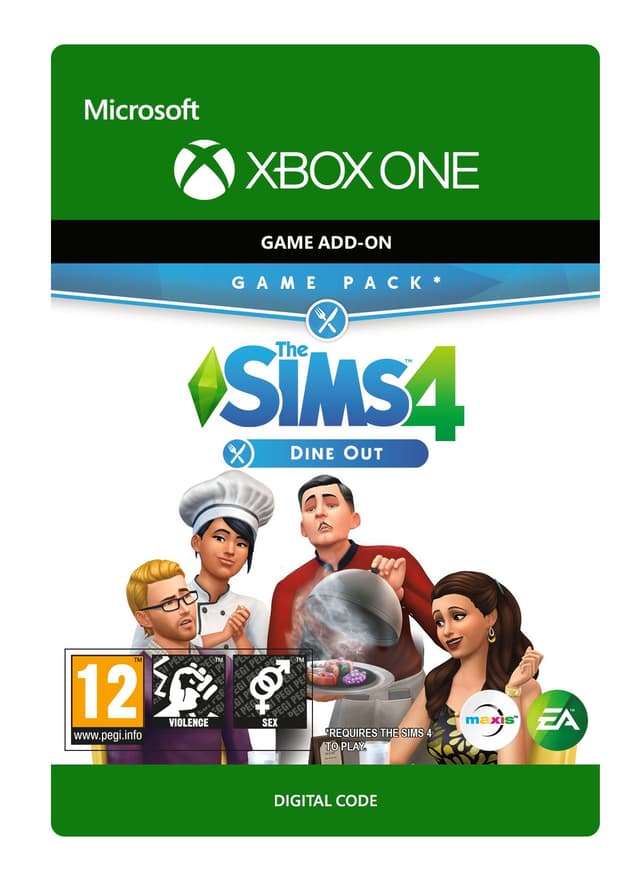
The Sims 4: Dine Out - Xbox One
Releasedatum: 9 Jan 2018


Item 1 of 4




Item 1 of 4
Niet beschikbaar in jouw land
Niet activeerbaar in Verenigde Staten
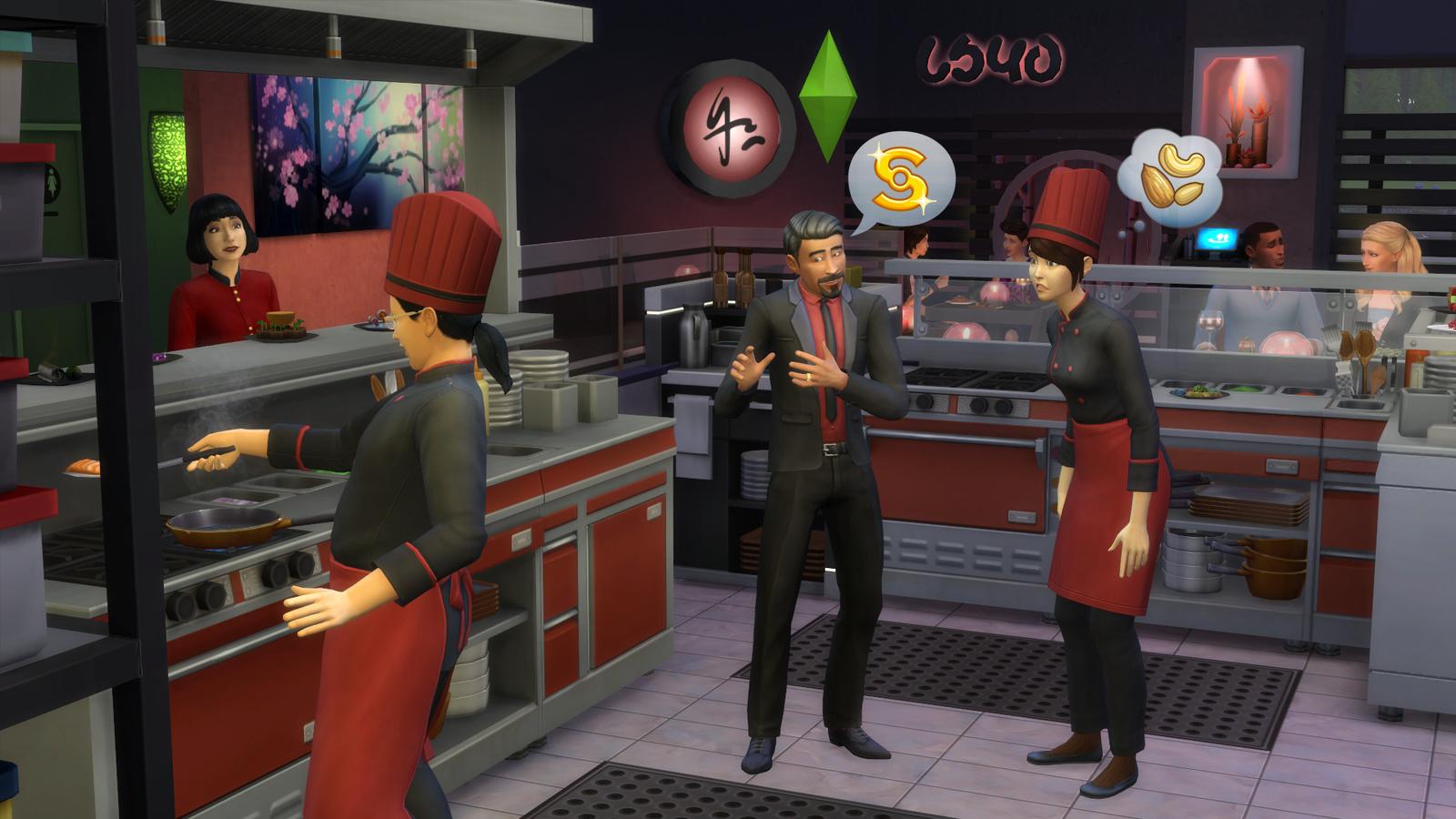
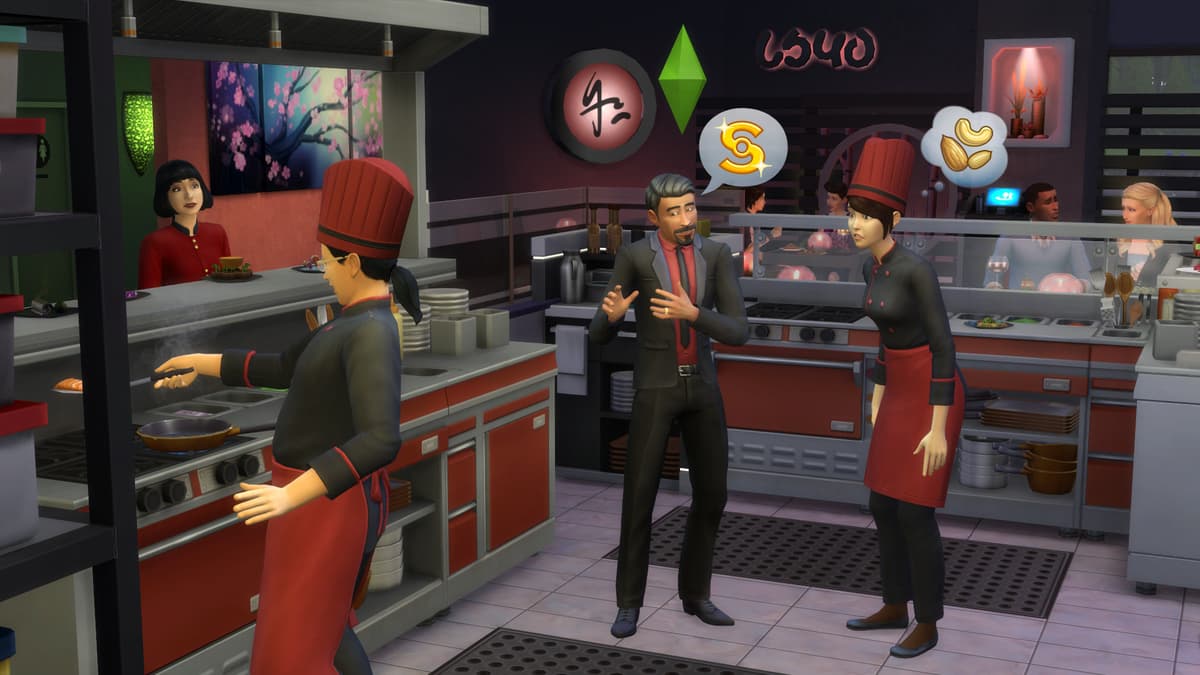
Own a restaurant and take your Sims out to eat with The Sims™ 4 Dine Out*.
CREATE UNIQUE RESTAURANTS
Build a variety of restaurant venues from a classic diner to an upscale Italian bistro, or customize pre-made restaurants using new objects and décor.
BECOME AN OWNER
You are in control of owning and running a restaurant. Hire and outfit staff, set the menu and prices, and chat up diners to improve customer satisfaction.
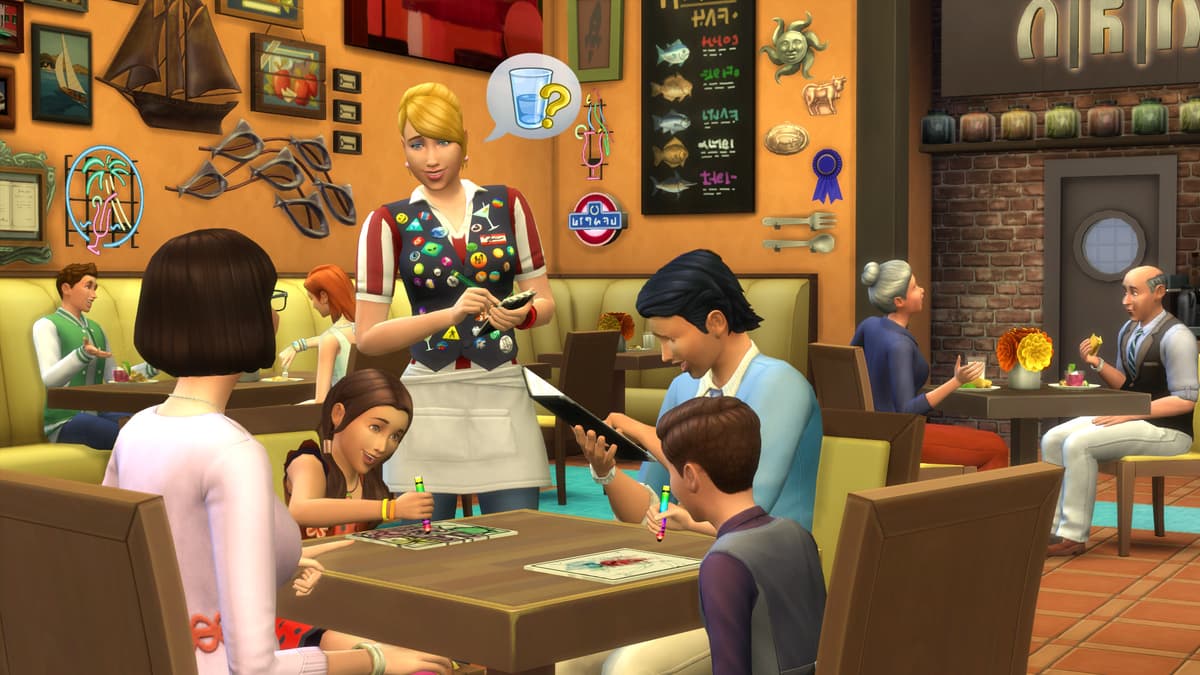
DINE OUT WITH YOUR SIMS
Restaurants are the perfect place to catch up with frien...
Platform:
Leeftijdsgrens:+12
Uitgever:
Ontwikkelaar:Maxis & Blind Squirrel
Releasedatum:9 Jan 2018
Zo wissel je The Sims 4: Dine Out - Xbox One in op Xbox
- 1Zet je Xbox aan en meld je aan met het account waarop je de game wilt hebben.
- 2Druk op de Xbox-knop van je controller om de gids te openen.
- 3Ga naar het tabblad "Store".
- 4Kies "Use a code".
- 5Voer je activeringscode van 25 tekens in.
- 6Kies "Next" en volg de aanwijzingen om de game aan je bibliotheek toe te voegen.
Veelgestelde vragen
De Xbox-keys van AllYouPlay zijn betrouwbaar, dankzij directe inkoop bij uitgevers en distributeurs, kopersbescherming op elke bestelling en een met SSL versleutelde checkout. Meer dan 2.000 Trustpilot-reviewers beoordelen de winkel met 4,4/5 "Uitstekend".
Wissel je XBOX-code in door de Store op je console te openen en "Inwisselen" te kiezen, of ga naar microsoft.com/redeem en voer de code van 25 tekens uit je ALLYOUPLAY-account in. De game wordt direct aan je bibliotheek toegevoegd.
Officiële handleidingen: Xbox
Ja, de meeste ALLYOUPLAY XBOX-keys ondersteunen zowel XBOX Series X|S als XBOX One, en veel titels zijn via XBOX Play Anywhere ook op Windows-pc speelbaar. De exacte consolecompatibiliteit staat op elke productpagina.
Ja, XBOX-codes zijn gekoppeld aan een specifiek land. Elke productpagina toont een activeringsbadge. Gebruik "Landbeperkingen controleren" om vóór je aankoop zeker te weten dat het in jouw land werkt. Het gebruik van een VPN kan dit verstoren en activeringsproblemen veroorzaken.
Nee, een XBOX game key ontgrendelt één titel permanent op je account, terwijl XBOX Game Pass een abonnement is dat wisselende toegang geeft tot een bibliotheek vol games. ALLYOUPLAY verkoopt zowel losse keys als Game Pass-lidmaatschappen.
De levering van digitale Xbox-codes is direct: je code wordt aan je bestelling gekoppeld zodra de betaling is bevestigd. Wissel hem rechtstreeks in vanuit je ALLYOUPLAY-account en download je game meteen, 24/7.
XBOX-games blijven goedkoper op ALLYOUPLAY dankzij directe key-partnerschappen met uitgevers en leveranciers, die officiële groothandelstarieven opleveren. Die besparing gaat rechtstreeks naar gamers in plaats van naar opgeblazen winkelmarges.
Werkt je key of code niet? Neem contact op met de support via Discord of [email protected], met je bestelnummer en een screenshot van de foutmelding. Het team zoekt de oorzaak uit en regelt bij aantoonbaar defecte codes een vervanging of terugbetaling.