
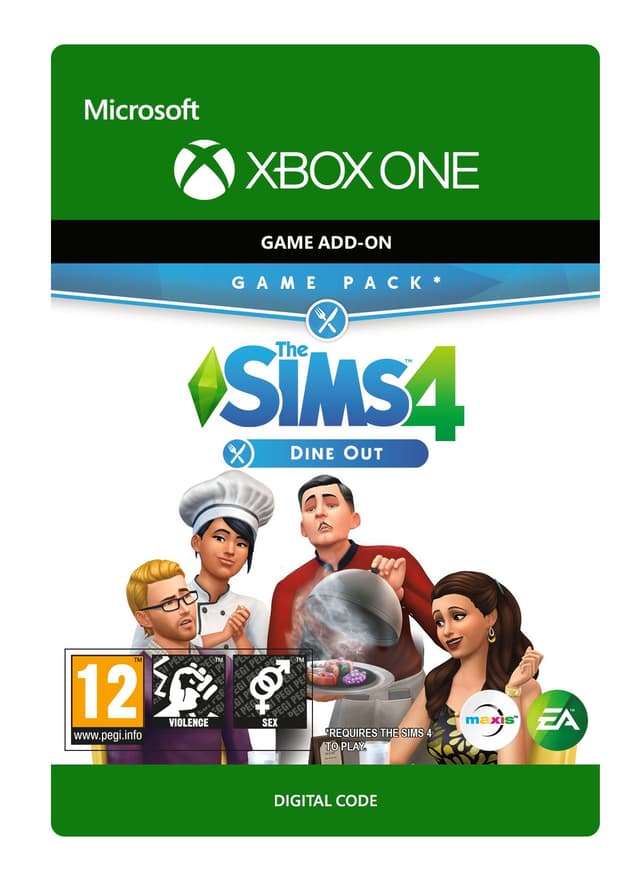
The Sims 4: Dine Out - Xbox One
Data premiery: 9 Jan 2018


Item 1 of 4




Item 1 of 4
Niedostępne w Twoim kraju
Nie aktywuje się w: Stany Zjednoczone
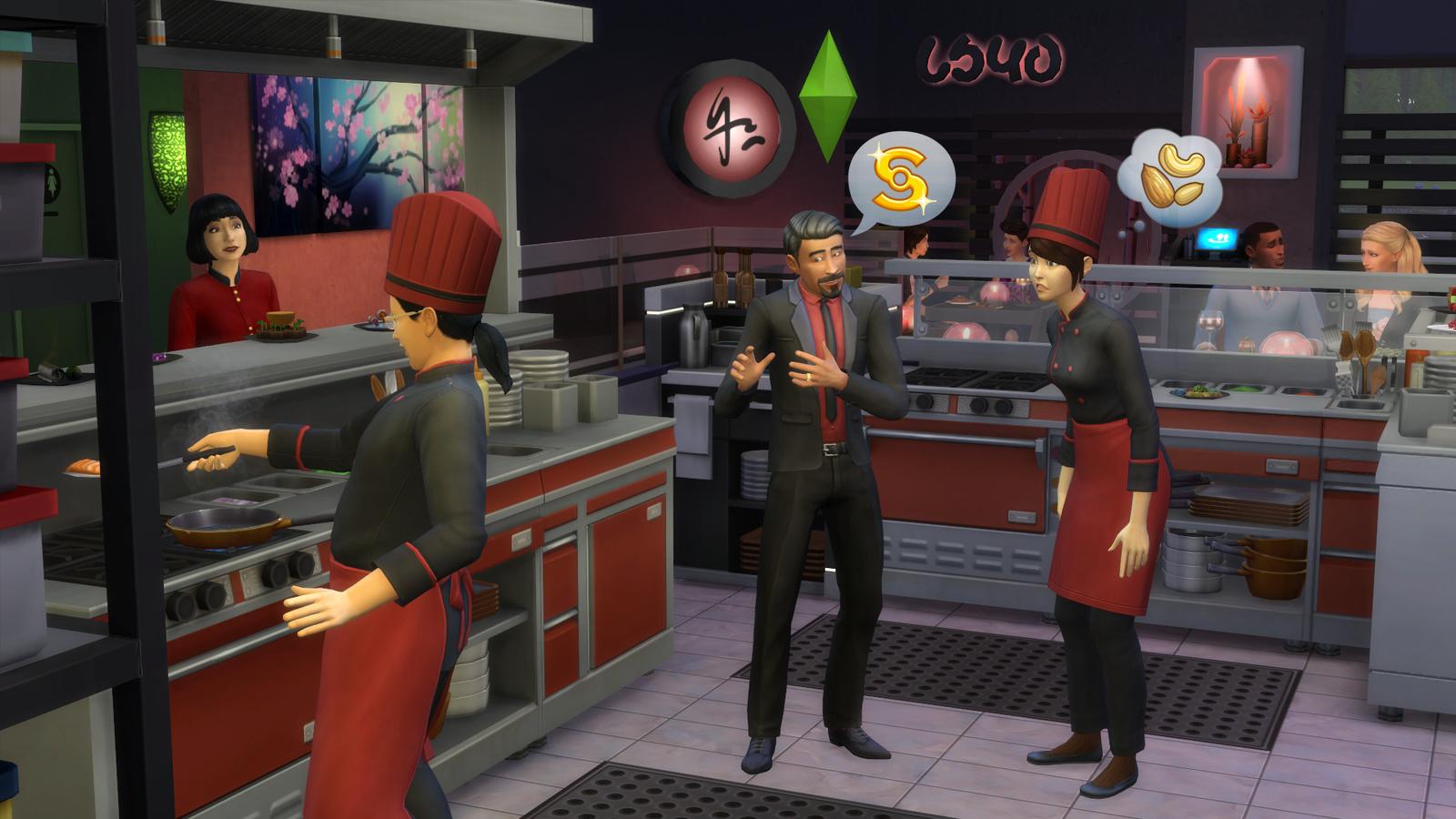
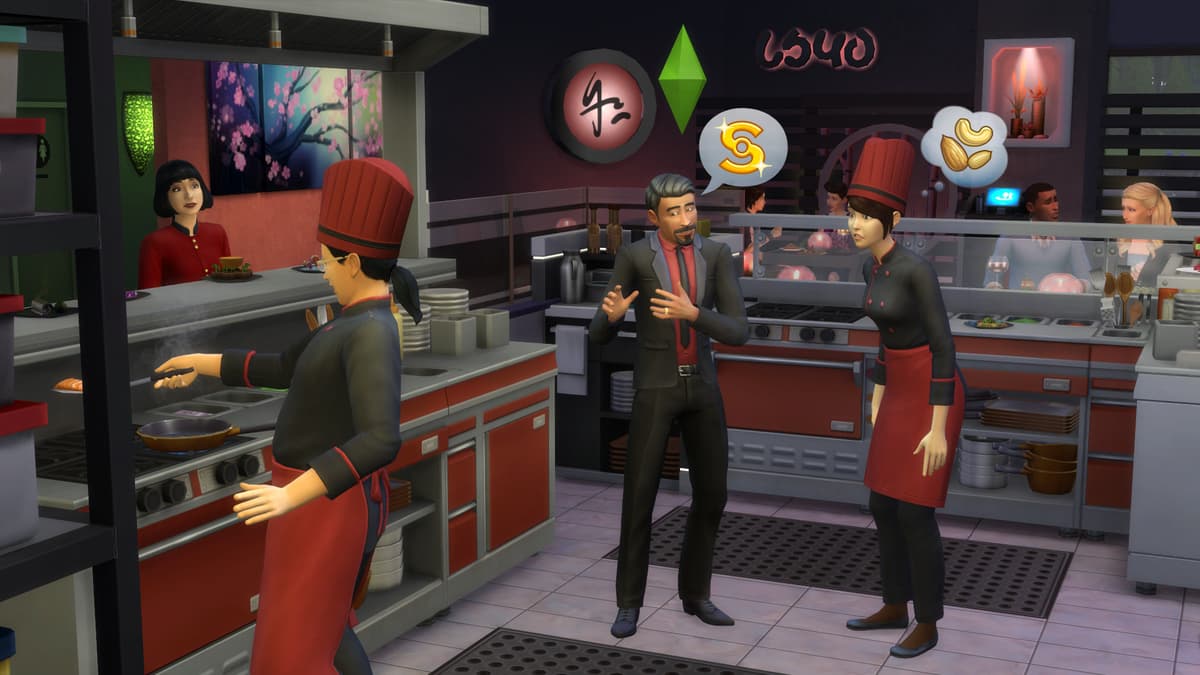
Own a restaurant and take your Sims out to eat with The Sims™ 4 Dine Out*.
CREATE UNIQUE RESTAURANTS
Build a variety of restaurant venues from a classic diner to an upscale Italian bistro, or customize pre-made restaurants using new objects and décor.
BECOME AN OWNER
You are in control of owning and running a restaurant. Hire and outfit staff, set the menu and prices, and chat up diners to improve customer satisfaction.
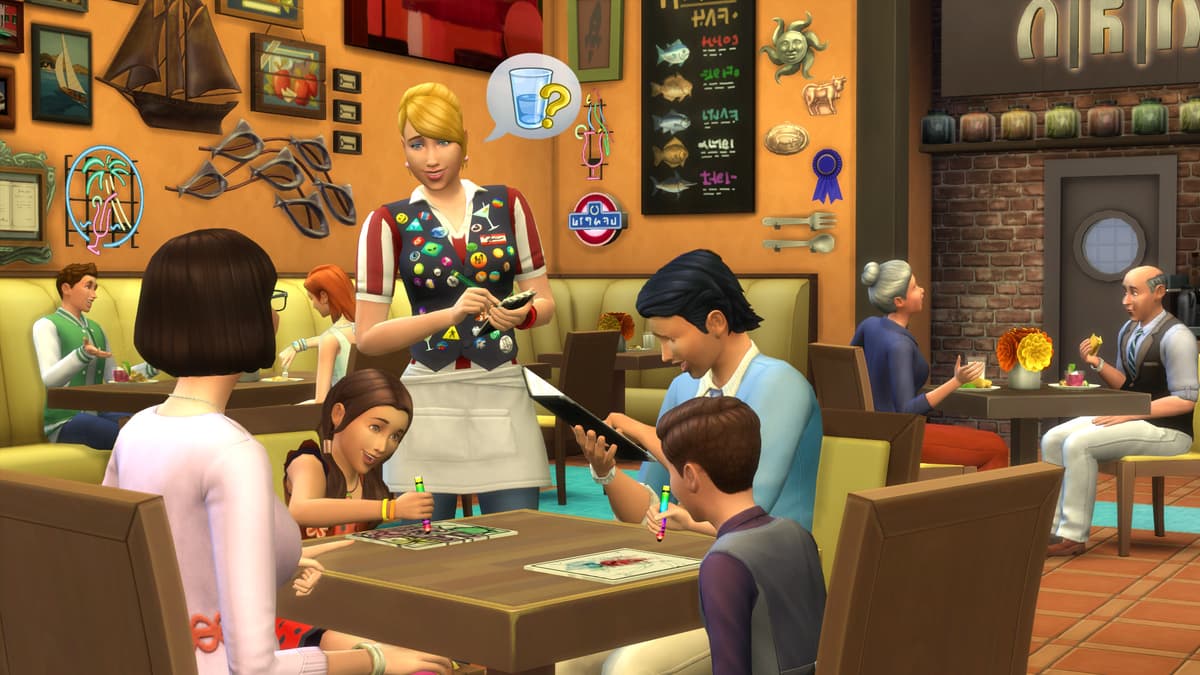
DINE OUT WITH YOUR SIMS
Restaurants are the perfect place to catch up with frien...
Platforma:
Ograniczenia wiekowe:+12
Wydawca:
Deweloper:Maxis & Blind Squirrel
Data premiery:9 Jan 2018
Jak aktywować The Sims 4: Dine Out - Xbox One na platformie Xbox
- 1Włącz Xboxa i zaloguj się na konto, na którym chcesz mieć grę.
- 2Naciśnij przycisk Xbox na kontrolerze, aby otworzyć przewodnik.
- 3Przejdź do karty "Store".
- 4Wybierz "Use a code".
- 5Wpisz 25-znakowy kod aktywacyjny.
- 6Wybierz "Next" i postępuj zgodnie z instrukcjami, aby dodać grę do biblioteki.
Najczęściej zadawane pytania
Klucze Xbox od AllYouPlay są legalne — pochodzą bezpośrednio od wydawców i dystrybutorów, każde zamówienie jest objęte ochroną kupującego, a płatność jest szyfrowana SSL. Ponad 2000 recenzentów w serwisie Trustpilot ocenia sklep na 4,4/5 „Doskonała”.
Aby zrealizować kod XBOX, otwórz sklep na konsoli i wybierz „Zrealizuj”, albo wejdź na microsoft.com/redeem i wpisz 25-znakowy kod ze swojego konta ALLYOUPLAY. Gra zostanie natychmiast dodana do Twojej biblioteki.
Oficjalne poradniki: Xbox
Tak, większość kluczy XBOX od ALLYOUPLAY obsługuje zarówno konsole XBOX Series X|S, jak i XBOX One, a wiele tytułów pozwala też grać na PC z systemem Windows dzięki XBOX Play Anywhere. Dokładna kompatybilność z konsolami jest podana na każdej stronie produktu.
Tak — kody XBOX są powiązane z konkretnym krajem. Każda strona produktu pokazuje plakietkę aktywacji. Użyj opcji „Sprawdź ograniczenia krajowe”, aby przed zakupem upewnić się, że produkt działa w Twoim kraju. Korzystanie z VPN może to zakłócić i spowodować problemy z aktywacją.
Nie — klucz do gry XBOX na stałe odblokowuje jeden tytuł na Twoim koncie, natomiast XBOX Game Pass to subskrypcja dająca rotacyjny dostęp do biblioteki gier. ALLYOUPLAY sprzedaje zarówno pojedyncze klucze, jak i członkostwa Game Pass.
Cyfrowe kody Xbox dostarczane są natychmiast — kod zostaje przypisany do zamówienia w momencie potwierdzenia płatności. Zrealizuj go bezpośrednio z konta ALLYOUPLAY i od razu pobierz swoją grę, 24/7.
Gry XBOX są tańsze w ALLYOUPLAY dzięki bezpośrednim partnerstwom z wydawcami i dostawcami, które zapewniają oficjalne stawki hurtowe. Te oszczędności trafiają prosto do graczy zamiast zawyżonych marż detalicznych.
Jeśli Twój klucz lub kod się nie aktywuje, skontaktuj się z pomocą techniczną przez Discord lub pod adresem [email protected], podając numer zamówienia i zrzut ekranu z błędem. Zespół zbada problem i zorganizuje wymianę lub zwrot środków w przypadku potwierdzonych wadliwych kodów.