
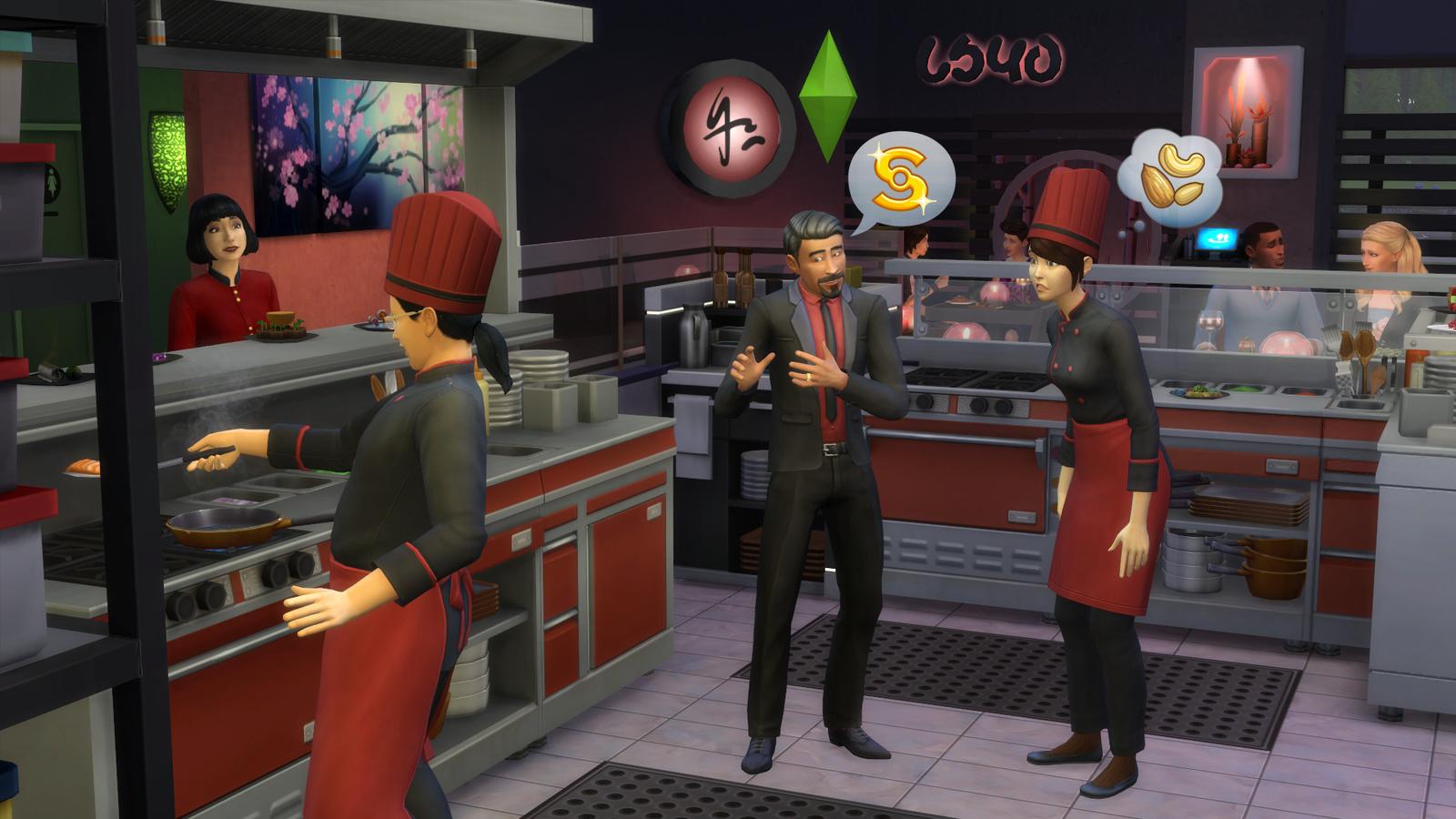
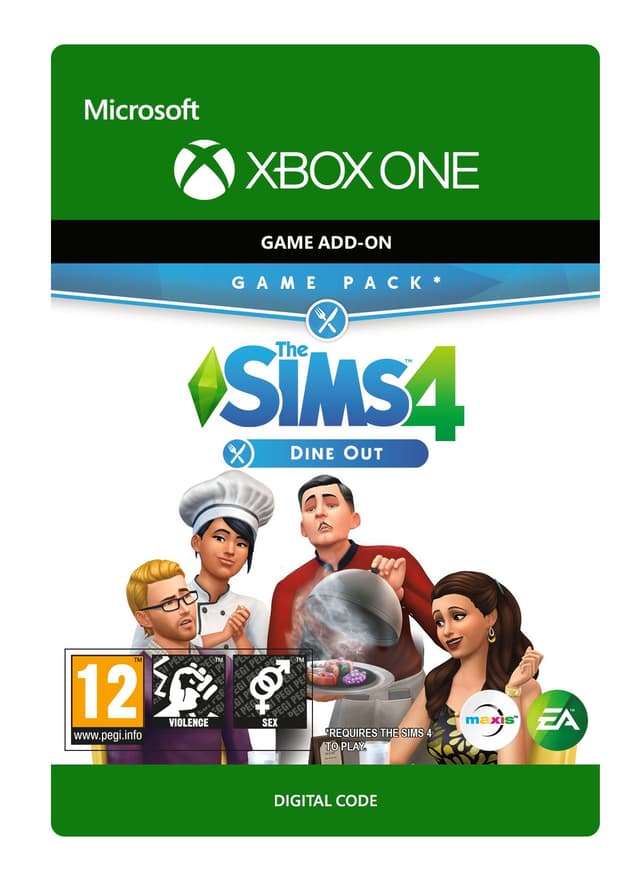
The Sims 4: Dine Out - Xbox One
Petsa ng paglabas: 9 Jan 2018


Item 1 of 4




Item 1 of 4
Hindi available sa iyong bansa
Hindi maa-activate sa Estados Unidos
Own a restaurant and take your Sims out to eat with The Sims™ 4 Dine Out*.
CREATE UNIQUE RESTAURANTS
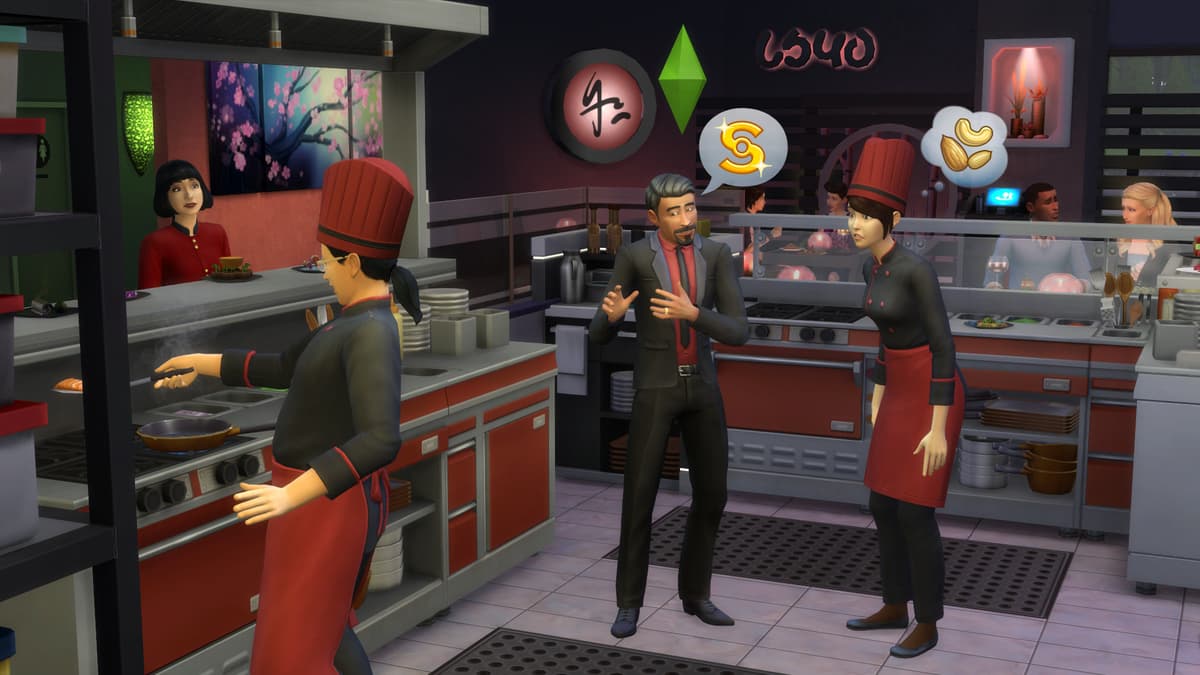
Build a variety of restaurant venues from a classic diner to an upscale Italian bistro, or customize pre-made restaurants using new objects and décor.
BECOME AN OWNER
You are in control of owning and running a restaurant. Hire and outfit staff, set the menu and prices, and chat up diners to improve customer satisfaction.
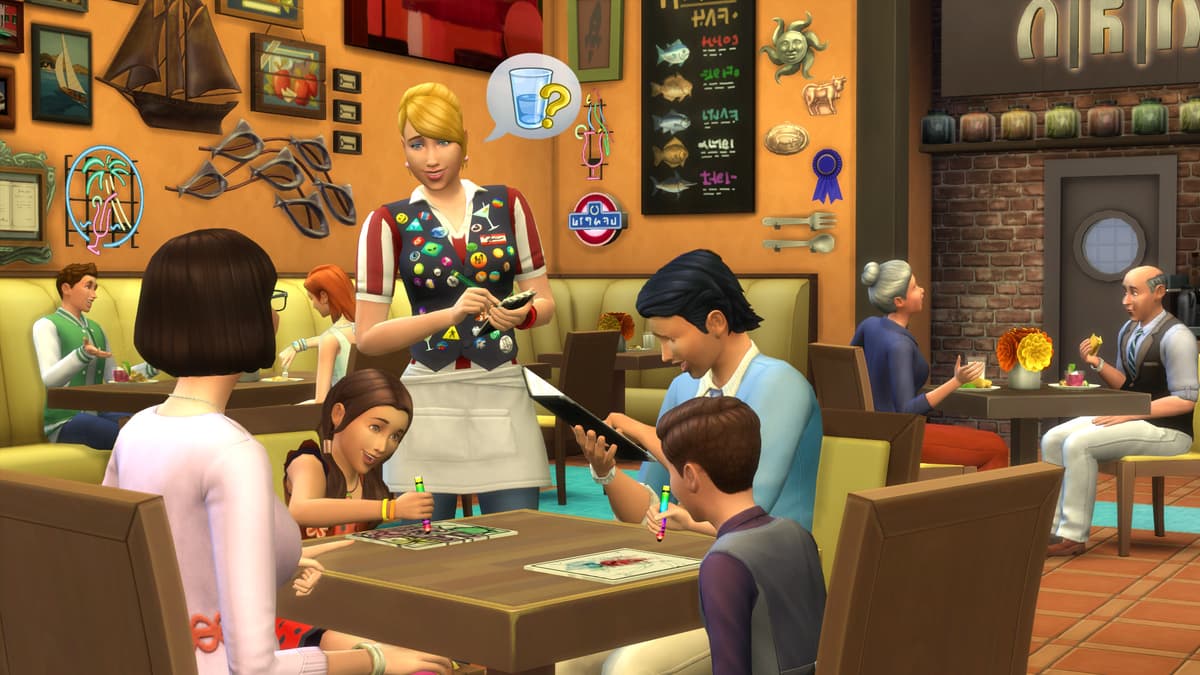
DINE OUT WITH YOUR SIMS
Restaurants are the perfect place to catch up with frien...
Platform:
Age Limit:+12
Publisher:
Developer:Maxis & Blind Squirrel
Petsa ng Paglabas:9 Jan 2018
Paano i-redeem ang The Sims 4: Dine Out - Xbox One sa Xbox
- 1Buksan ang iyong Xbox at mag-sign in sa account kung saan mo gustong ilagay ang laro.
- 2Pindutin ang Xbox button sa iyong controller para buksan ang guide.
- 3Pumunta sa tab na "Store".
- 4Piliin ang "Use a code".
- 5Ilagay ang iyong 25-character na activation code.
- 6Piliin ang "Next" at sundin ang mga tagubilin para idagdag ang laro sa iyong library.
Mga Madalas Itanong
Legit ang Xbox keys ng AllYouPlay — direktang sourcing mula sa mga publisher at distributor, may buyer protection sa bawat order, at SSL-encrypted ang checkout. Mahigit 2,000 Trustpilot reviewers ang nagbigay sa store ng 4.4/5 "Excellent" rating.
I-redeem ang XBOX code mo sa pamamagitan ng pagbukas ng console Store at pagpili ng "Redeem," o pumunta sa microsoft.com/redeem at i-enter ang 25-character code mula sa ALLYOUPLAY account mo. Instant na maidadagdag ang game sa library mo.
Mga opisyal na gabay: Xbox
Oo, karamihan ng ALLYOUPLAY XBOX keys ay suportado pareho ang XBOX Series X|S at XBOX One, at maraming titles ang may kasama ring Windows PC play sa pamamagitan ng XBOX Play Anywhere. Nakalista sa bawat product page ang eksaktong console compatibility.
Oo, nakatali sa isang partikular na bansa ang XBOX codes. May activation badge ang bawat product page. Gamitin ang "Tingnan ang mga paghihigpit ng bansa" para makumpirma bago bumili na gagana ito sa bansa mo. Ang paggamit ng VPN ay pwedeng makaistorbo dito at magdulot ng activation issues.
Hindi, ang XBOX game key ay permanenteng nag-a-unlock ng isang title sa account mo, habang ang XBOX Game Pass ay subscription na nagbibigay ng rotating access sa isang library ng games. Parehong nagbebenta ang ALLYOUPLAY ng individual keys at Game Pass memberships.
Instant ang delivery ng Xbox digital codes — naka-assign na sa order mo ang code sa sandaling ma-confirm ang bayad. I-redeem ito nang direkta mula sa ALLYOUPLAY account mo at i-download agad ang game, 24/7.
Mas mura ang XBOX games sa ALLYOUPLAY dahil sa direktang key partnerships sa mga publisher at provider, na nagsisiguro ng official wholesale rates. Direktang naipapasa sa mga player ang tipid sa halip na magpatong ng mataas na retail markup.
Kung hindi mag-activate ang key o code mo, makipag-ugnayan sa support sa Discord o sa [email protected] kasama ang order ID mo at screenshot ng error. Susuriin ng team ang problema at aayusin ang replacement o refund para sa mga verified na sirang code.